
By Randa Vandenack Schilling · Founder of Panderr & PeachSites
Your website already contains years of work. Moving it shouldn't mean rebuilding it.
Pages, content, images, navigation, branding, layouts, links, and SEO all become part of a website over time. But when businesses need to move to a different platform or hosting provider, much of that work has traditionally had to be recreated manually.
Panderr takes a different approach.
Panderr can replicate an existing website as a whole — including its pages, design, content, structure, and assets — and turn it into a website you can review, edit, improve, redesign, and move.
Instead of starting over, you start with the website you already have.
What Is Website Migration?
Website migration is the process of moving an existing website from one environment to another.
That might mean moving:
- to a different hosting provider
- from one website platform or CMS to another
- away from a proprietary website builder
- to a different domain
- into a new development environment
- to a new website architecture
- into a redesigned website
But moving a website and redesigning a website are not the same thing.
If you like your website, you shouldn't have to redesign it just because you want to move it.
And if you do want a redesign, you shouldn't necessarily have to throw away everything that already exists and begin with an empty page.
That's the idea behind Panderr.
Replicate the Website First. Then Decide What You Want to Change.
Most website migration workflows begin with a list of everything that needs to be rebuilt.
Panderr begins with the existing website.
The goal is to reproduce the website — its pages, content, design, structure, navigation, and assets — so that the existing site becomes the starting point for the migration rather than something you have to recreate manually.
Once the website has been replicated, you can decide what comes next.
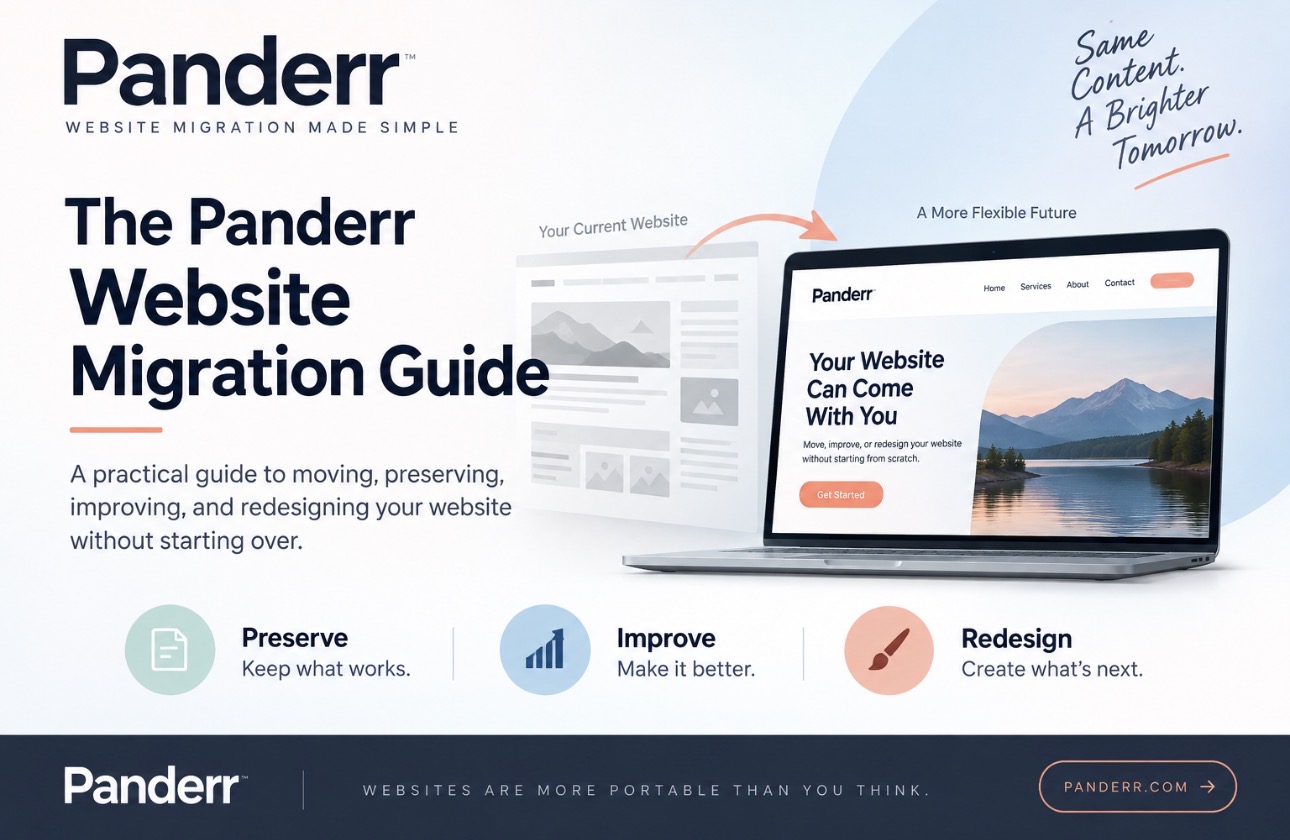
Preserve — Replicate your existing website so you can move it without rebuilding it.
Improve — Replicate the website first, then clean it up, improve its SEO, update content, correct problems, and modernize the parts that need work.
Redesign — Replicate the existing website and use its pages, content, assets, and structure as the foundation for a new design instead of starting with an empty website.
The migration comes first.
What you choose to change afterward is up to you.
Why Website Migration Has Traditionally Been So Difficult
A website isn't just a collection of text and images.
It contains relationships between HTML, stylesheets, images, fonts, scripts, navigation, page layouts, links, forms, metadata, and other assets.
Different website platforms store and represent those pieces differently.
That's why moving between systems has traditionally required someone to reconstruct much of the website manually.
A typical migration might involve:
- Inventorying every page on the existing website.
- Copying the written content.
- Downloading images and other assets.
- Rebuilding navigation.
- Recreating page layouts.
- Reconnecting internal links.
- Recreating SEO metadata.
- Checking mobile layouts.
- Creating redirects for URLs that change.
- Testing the rebuilt website before changing the domain or DNS.
For a five-page website, that's tedious.
For a website with dozens or hundreds of pages, it can become an enormous project.
And there's an important question underneath all of that work:
If the website already exists, why should moving it require rebuilding it?
That's the problem Panderr was created to solve.
Two Ways to Bring an Existing Website Into Panderr
Panderr can begin a migration from an existing website URL or from a downloaded copy of the website.
The two approaches give Panderr different information about the existing site.
Start With the Website URL
The simplest starting point is the live website itself.
Enter the website URL and Panderr can inspect the publicly accessible site, identify pages and assets, understand its structure, and begin creating a migration project from what is currently online.
This makes it possible to begin with the website that already exists instead of creating a new site from scratch.
But a URL only exposes what can be accessed through the public website.
For migrations where the goal is to reproduce as much of the complete existing website as possible, a properly downloaded copy of the site can provide Panderr with additional source material.
Why a Properly Downloaded Website ZIP Matters
A properly downloaded website can contain the pieces that work together to create the complete site:
- HTML pages
- CSS stylesheets
- images
- fonts
- icons
- scripts
- page-specific assets
- folders and file relationships
- other resources used by the website
Those relationships matter.
An HTML page may reference a stylesheet in one folder, an image in another, and a font somewhere else. If those files are downloaded individually or reorganized before they are imported, the relationships between them can break.
That's why a website ZIP shouldn't simply be a folder filled with miscellaneous website files.
The goal is to preserve the website as a system.
When the website is downloaded correctly and its original file relationships are preserved, Panderr has much more of the existing website to work with.
That allows Panderr to reconstruct the site as a whole rather than treating migration as a collection of individual pages that have to be rebuilt one at a time.
Using the URL and Website Files Together
The live URL shows Panderr the website as it currently appears and operates publicly.
A properly prepared website download provides the underlying files and assets that contribute to that experience.
Together, they can provide a much richer picture of the existing website.
This is particularly valuable when the goal is Preserve.
Instead of asking you to manually recreate the website inside another platform, Panderr can use the existing website as the source for the new migration project.
The result isn't an empty template waiting for you to rebuild your site.
It's your existing website, reproduced and ready for the next step.
What Happens After Panderr Replicates the Website?
This is where migration becomes more useful than simply copying a website from one place to another.
Once the website has been brought into Panderr, you can open it in Panderr Studio.
Studio gives you an opportunity to review the reproduced website before you publish it somewhere new.
You can keep the website as it is, or use the migration as an opportunity to make changes.
That can include:
- editing text and page content
- replacing or updating images
- correcting layouts
- updating branding
- adjusting colors and typography
- reviewing navigation
- cleaning up outdated pages
- improving mobile presentation
- reviewing links
- updating page information
- improving SEO
- redesigning sections of the site
- redesigning the entire website
This changes the order of the traditional website project.
Instead of:
Move → rebuild everything → try to make it look like the old website → make improvements
the process can become:
Replicate → review → improve what needs improvement → publish
Preserve: Move the Website You Already Have
Sometimes nothing is fundamentally wrong with the website.
Maybe you're happy with the design.
Maybe the content is working.
Maybe customers recognize it.
Maybe it already performs well in search.
You simply don't want to remain with the current platform or hosting environment.
In that situation, migration shouldn't force a redesign.
Panderr's Preserve approach is designed around replicating the existing website so the site itself can come with you.
You can still review it in Studio and make corrections, but the objective isn't to reinvent the website.
It's to move it.
Improve: Use Migration as an Opportunity to Clean Up the Website
Other websites don't need to be replaced — they just need attention.
Maybe the design is mostly right but a few sections look dated.
Maybe some pages need better titles and descriptions.
Maybe the navigation has become cluttered.
Maybe old content should be removed.
Maybe images need to be replaced.
Maybe the mobile experience needs work.
This is where migration can become an opportunity.
Panderr can reproduce the existing website first and then let you work on it in Studio.
Instead of spending the project rebuilding what already works, you can spend that time improving what doesn't.
Redesign: Keep What's Valuable Without Keeping the Old Design
Sometimes the website really does need a new look.
But that doesn't mean everything about the existing site is worthless.
The business may already have:
- useful page content
- important URLs
- images and other assets
- service information
- established navigation
- pages receiving search traffic
- years of accumulated website material
A redesign shouldn't automatically require throwing all of that away.
Panderr can use the replicated website as the foundation for a redesign, allowing the existing site's valuable content and structure to come forward into something new.
You aren't starting from nothing.
You're starting from what the business has already built.
Website Migration Is an Opportunity to Improve SEO — Carefully
Migration is also a natural time to review a website's SEO.
But there's an important rule:
Preserve existing search value before trying to improve it.
If a page already ranks in search results, receives organic traffic, or has links pointing to it, unnecessarily changing its URL or purpose can create problems.
Before publishing a migrated website, review:
- page titles
- meta descriptions
- heading structure
- URLs
- internal links
- image alt text
- duplicate pages
- outdated content
- broken links
- navigation
- mobile usability
- redirects
- indexability
- sitemap configuration
- robots directives
Panderr Studio gives you a point between reproduction and publication where this cleanup can happen.
That distinction matters.
You don't have to make every SEO decision while simultaneously trying to rebuild the website.
First, reproduce what exists.
Then review it.
Then improve it intentionally.
How to Migrate a Website With Panderr
The exact process can vary depending on the website, but the basic Panderr workflow is straightforward.
1. Start With Your Existing Website
Begin with the website you want to move.
You can provide the live website URL so Panderr can inspect the publicly available site.
2. Choose What You Want to Do With It
Decide whether your goal is to:
- Preserve the existing website
- Improve the existing website
- Redesign the website using what already exists
You don't have to make every design decision before beginning the migration.
3. Provide the Website Files When Appropriate
For a more complete reproduction, use a properly downloaded website ZIP that preserves the site's pages, assets, folders, and file relationships.
The better the source material, the more of the existing website Panderr has available to reconstruct.
4. Let Panderr Reproduce the Website
Panderr processes the existing site and turns it into a migration project.
Instead of beginning with a blank website, you begin with the website you already have.
5. Review the Reproduced Site
Before publishing anything, review the website.
Check the pages, navigation, images, layouts, content, and links.
6. Open the Website in Panderr Studio
Studio is where you can work on the migrated site.
Keep what works.
Correct what doesn't.
Improve SEO.
Update content.
Change the design.
Or leave the website largely as it was.
7. Preview the Website
Review the finished site before it becomes public.
This is the time to check desktop and mobile layouts, links, page content, navigation, SEO information, and other important details.
8. Publish the Website
When the website is ready, publish it to its new destination.
The website has moved.
It didn't have to be rebuilt from scratch to get there.
A Website Should Be More Portable Than Its Platform
Businesses change.
Technology changes.
Hosting needs change.
Website platforms change.
The website you've invested in shouldn't become disposable every time one of those things changes.
That's ultimately what website portability means.
Your provider can change.
Your hosting can change.
Your tools can change.
Your design can change.
Your website can come with you.
Panderr was created around that idea: reproduce the website you already have, preserve what's valuable, improve what needs work, and give yourself more freedom over where the website goes next.